One player for the whole household, installed from a code rather than an app store. Below: how to get it onto a Firestick, an Android box, or a Samsung or LG television.
The app is where the subscription actually lives — 22,250+ channels, the on-demand shelf and a seven-day guide, all behind one login. It is the same build on every platform, so the layout you learn on the television is the layout you get on your phone.
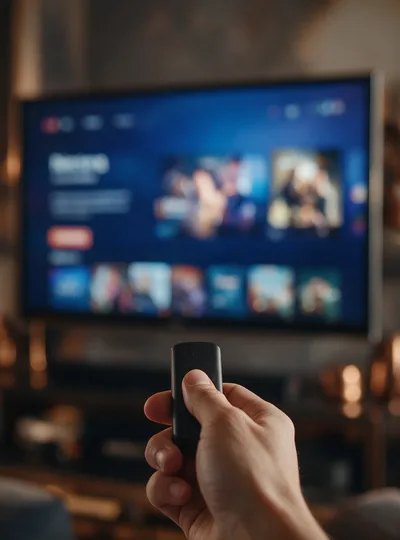
Pick the row that matches your hardware. The Firestick route is the one most people need, and it is the one worth reading twice.
Gold IPTV is not in the Amazon store, so the install goes through the Downloader app instead. Install Downloader from the Fire TV search, open it, and enter the code below to pull the Gold IPTV package straight down.
If you would rather skip Downloader, fetch the package straight from the address below on an Android phone, tablet or box. Android will ask permission to install from an unknown source the first time — that prompt is expected, and you can switch it back off afterwards.
goldiptvs.net/gold-iptv.apkSamsung and LG sets vary more than the other routes, so start with the television's own browser, download the package, then allow the install from Settings. If your model blocks it outright, a cheap Firestick plugged into a spare HDMI port is the usual workaround, and support will talk you through it.
Download APKOne login covers all of these at once, up to the connection count on your plan.
Assuming the login email has arrived, this takes about five minutes.
Use the Downloader code above on a Firestick, or the direct package link on Android. Either way you end up with the same app.
Open it and enter the login from your email. The app remembers it, so this is the only time you will type it on that device.
Enjoy 22,250+ live channels, 87,500+ movies & series in HD and 4K — anytime, on any device.
Start your 24-hour free trial today. No credit card required. Cancel anytime.